
It Reasons, Not Just Generates
It plans scene intent, resolves prompt conflicts, and can check real-time context before generation when needed.
New to GPT Image 2? Start here and you will quickly understand what it does, how it works, and how to write prompts that consistently produce usable results. If you want the feature overview first, jump to the GPT Image 2 Home page, then come back for the full workflow.
Before diving into the workflow, spend two minutes on the shift: GPT Image 2 reasons through intent, constraints, and composition before rendering. This is why complex prompts are now usable in fewer iterations.
It plans scene intent, resolves prompt conflicts, and can check real-time context before generation when needed.
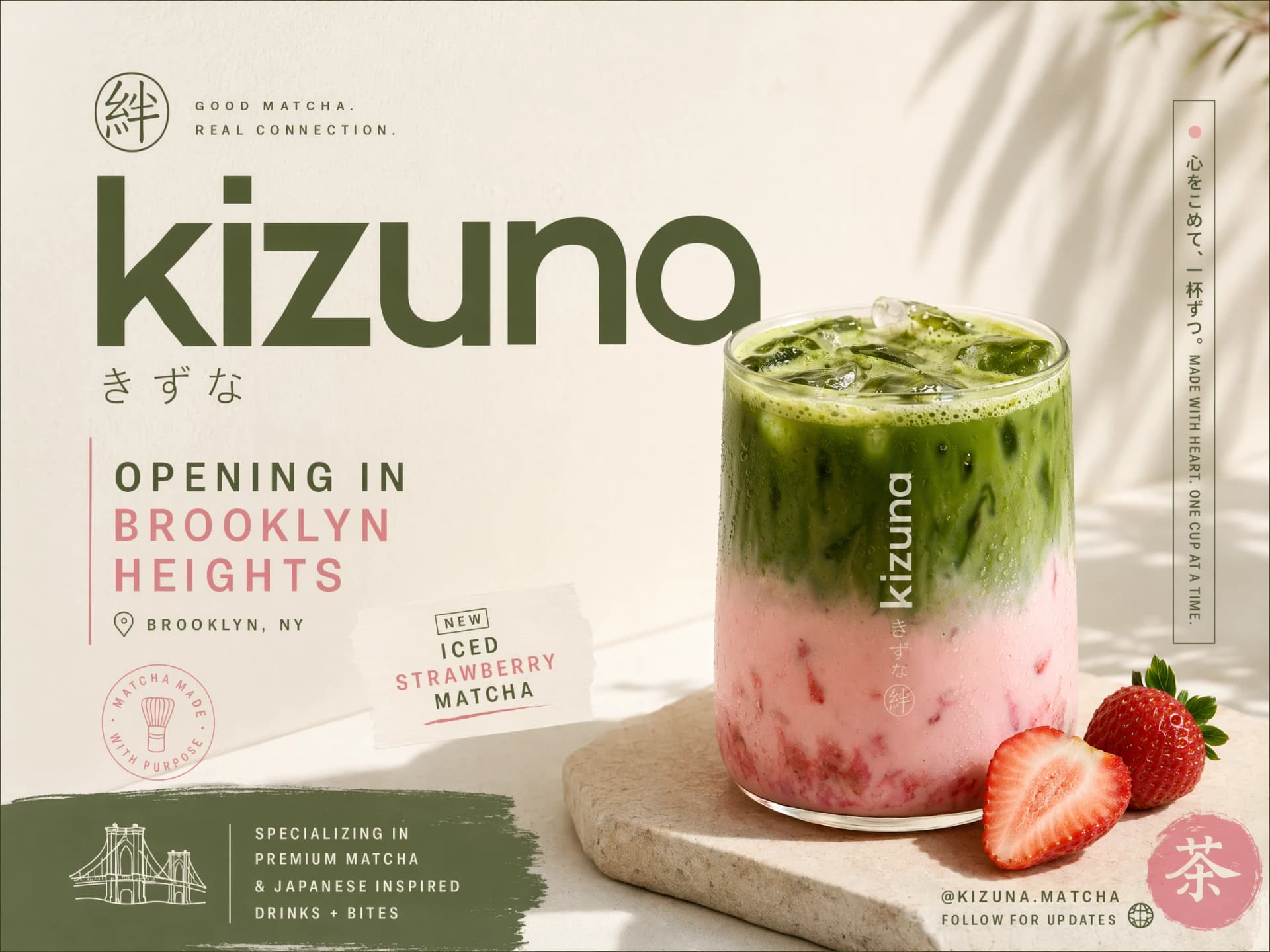
In-image typography is now consistently legible, making posters, ads, and UI mockups practical without manual cleanup.
Higher native resolution, better multilingual support, cleaner colors, and stronger image-to-image control.
| Feature | GPT Image 1 | GPT Image 1.5 | GPT Image 2 |
|---|---|---|---|
| Native Resolution | 1024x1024 | 1024x1024 | 2048x2048 (2K) |
| Text Rendering | Inconsistent | Improved | Near-perfect |
| Reasoning Layer | No | No | Yes |
| Yellow Cast Issue | Present | Reduced | Eliminated |
| Multilingual Text | No | Limited | Full support |
| Real-Time Web Search | No | No | Yes |
| Knowledge Cutoff | Apr 2025 | Dec 2025 | Dec 2025 + Live |
| Image-to-Image | Yes | Yes | Enhanced |

Every other AI image model treats text as an afterthought. Signs come out garbled. Posters look like ransom notes. GPT Image 2 was rebuilt from scratch to render readable, properly placed text on the first try - headlines, buttons, labels, and even mixed-language layouts.
Best for
Best for: Event posters, product banners, social graphics, UI wireframes, promotional materials.

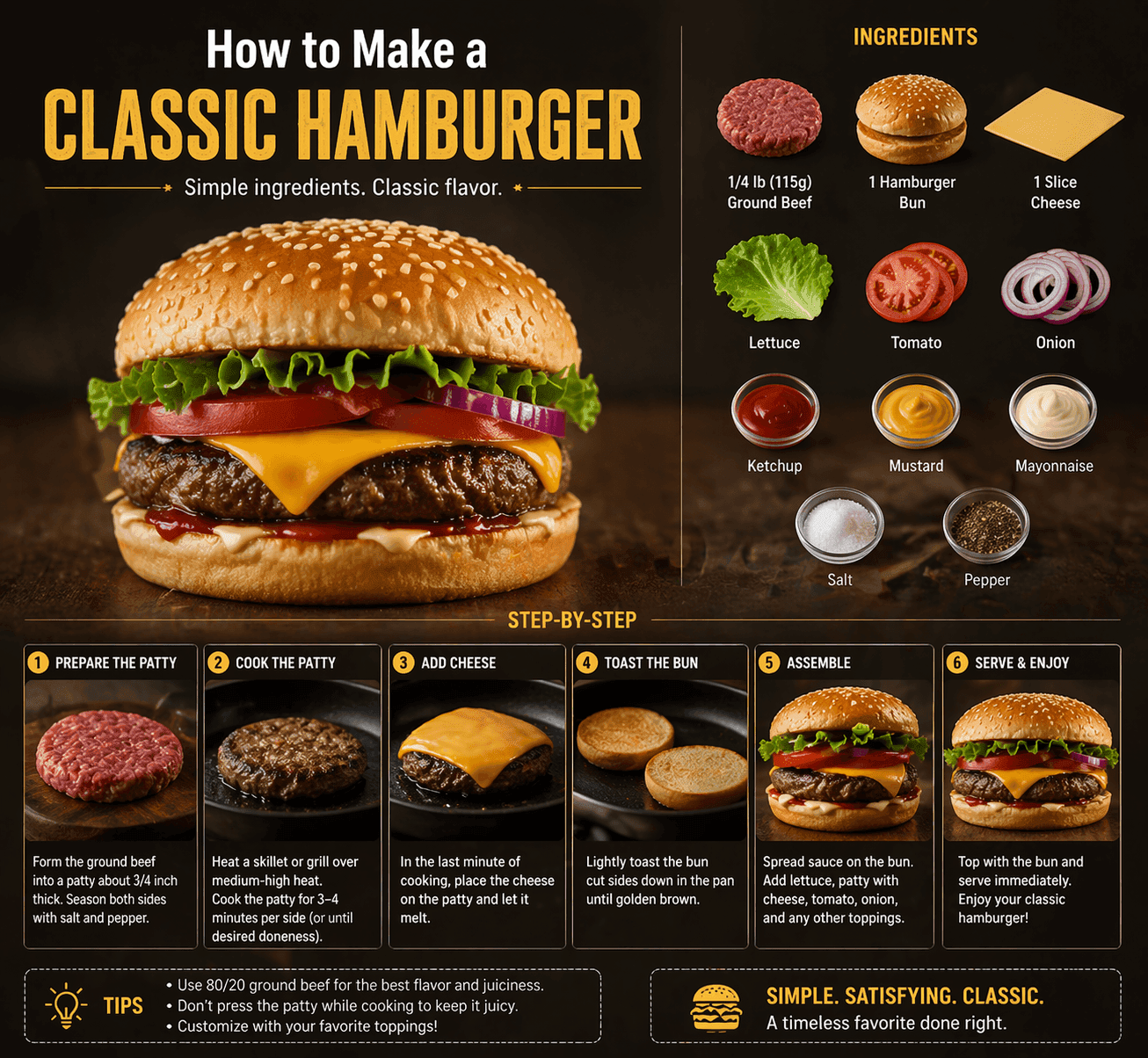
GPT Image 2 does not just match your words to pixels. It reasons through your request: understanding spatial relationships, planning the composition, and verifying accuracy before the first pixel renders. Ask it to generate a poster for a current event and it will look up the details in real time.
Best for
Best for: Storytelling, product visualization, scene construction, character design.
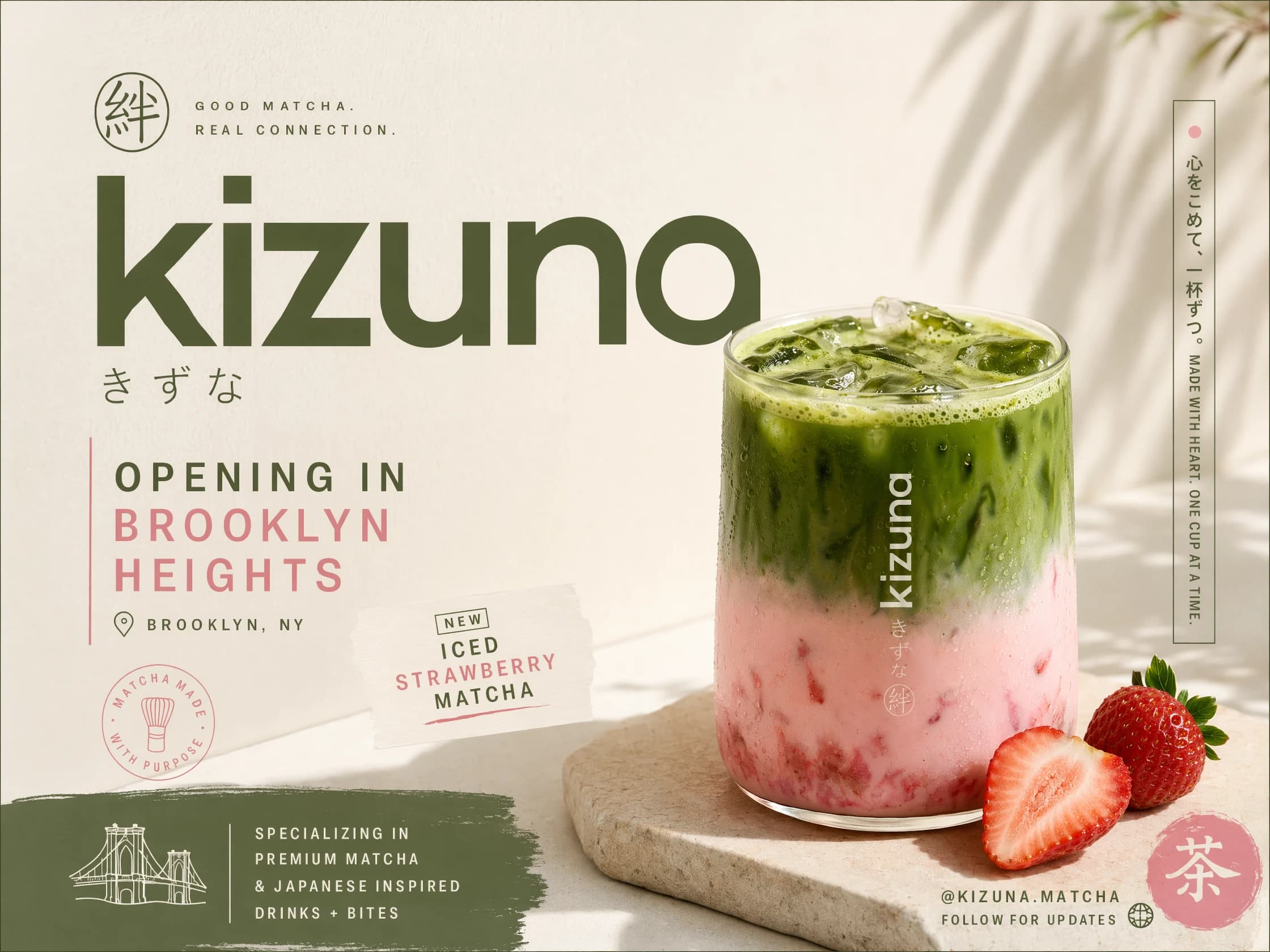
Working across global markets? GPT Image 2 natively supports Japanese, Korean, Chinese, Hindi, Bengali, and all Latin-script languages - rendered correctly inside images, not translated after the fact. Build one visual campaign that works everywhere.
Best for
Best for: Graphic novel artists, UX storyboarders, brand campaign creators.
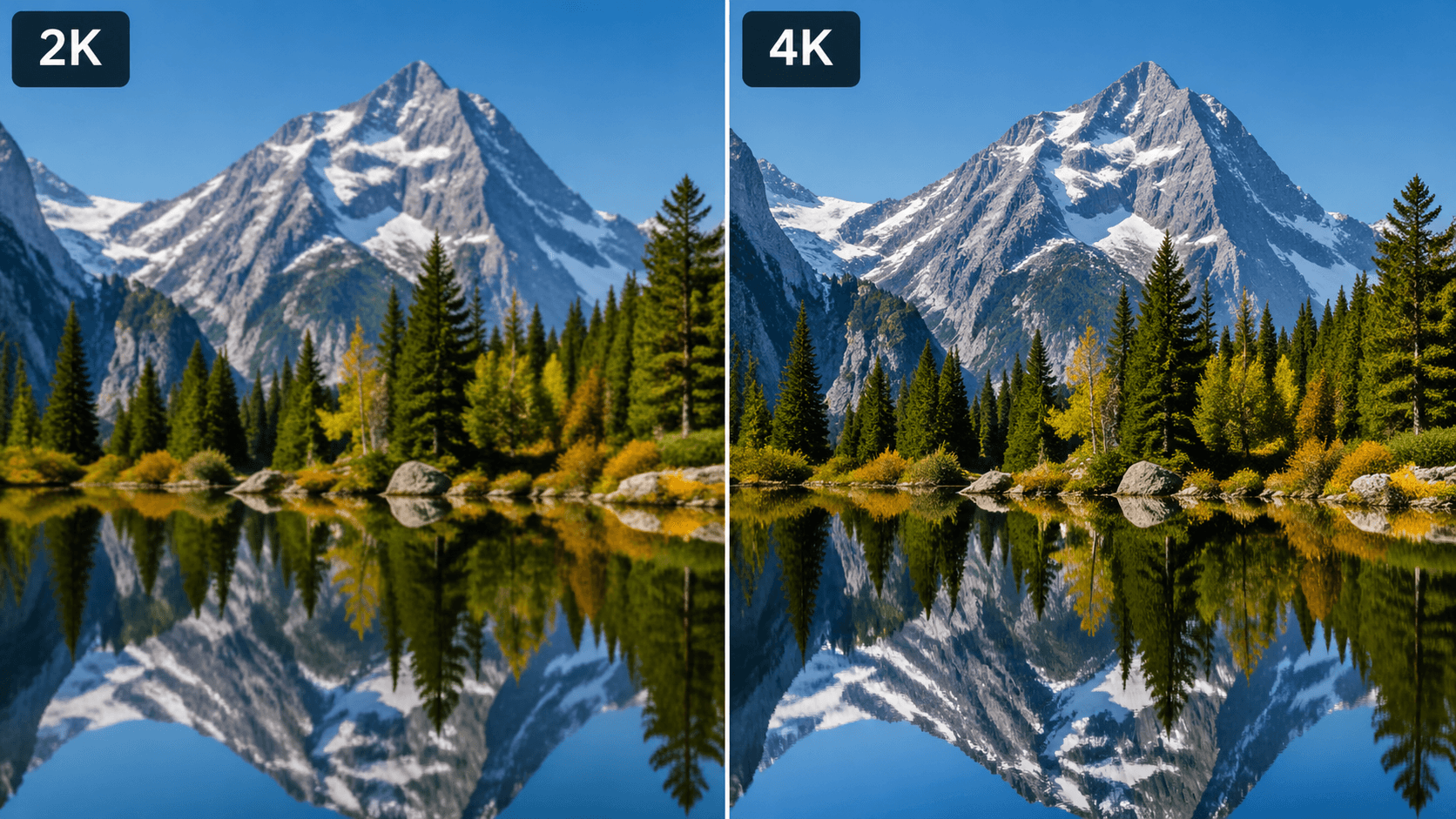
Generate high-resolution visuals for posters, thumbnails, UI mockups, and product concepts. Paid plans may include higher-resolution export or upscaling options depending on availability. No watermarks. Outputs are royalty-free and cleared for commercial use under OpenAI's content policy.
Best for
Best for: Teams testing multiple creative directions quickly.
Upload any reference photo and describe what you want to change. GPT Image 2 edits with surgical precision - swap backgrounds, change colors, localize designs, or remove objects while preserving everything else exactly as-is.
Best for
Best for: Concept prototyping, fast ideation, and creative exploration loops.
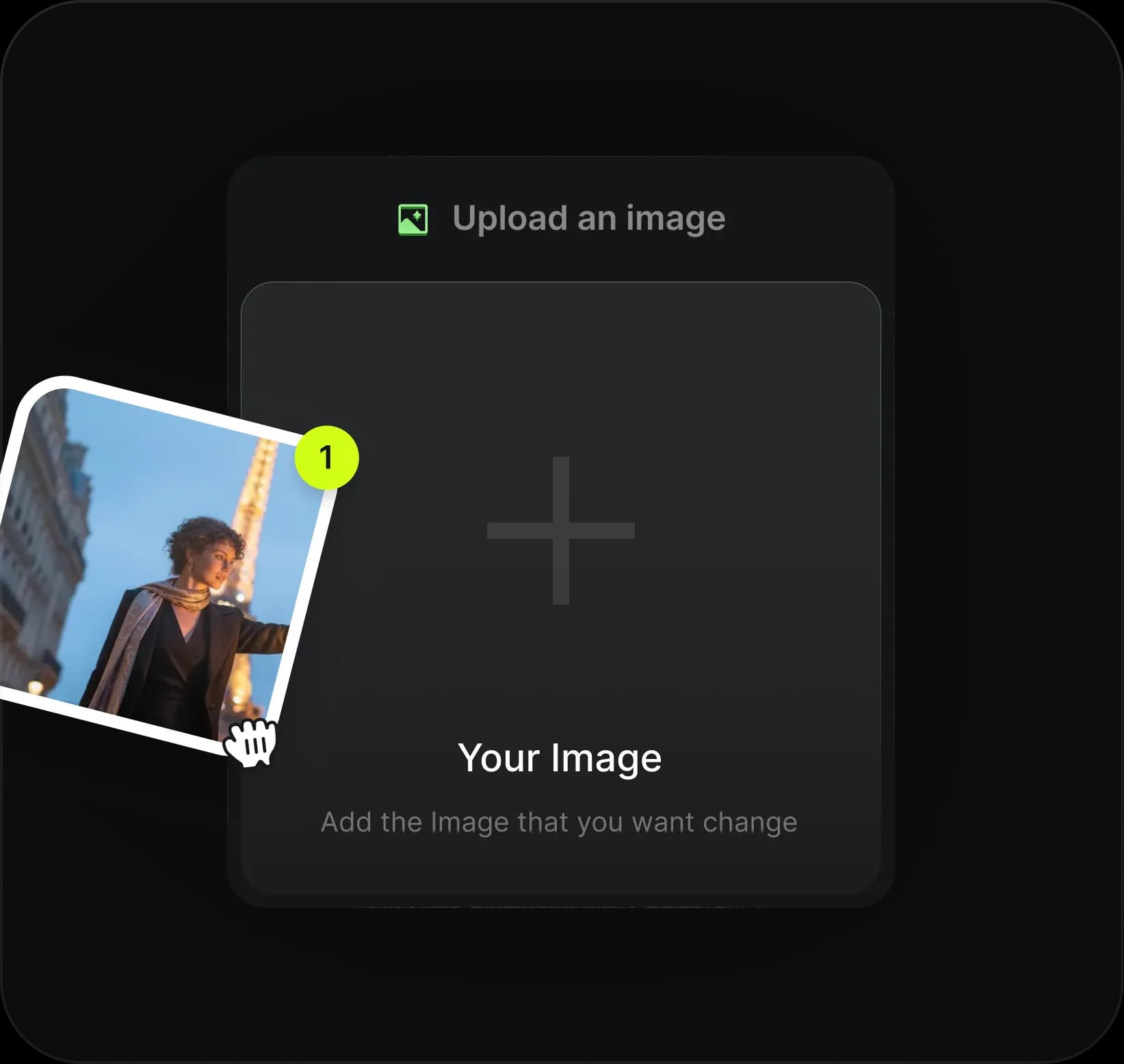
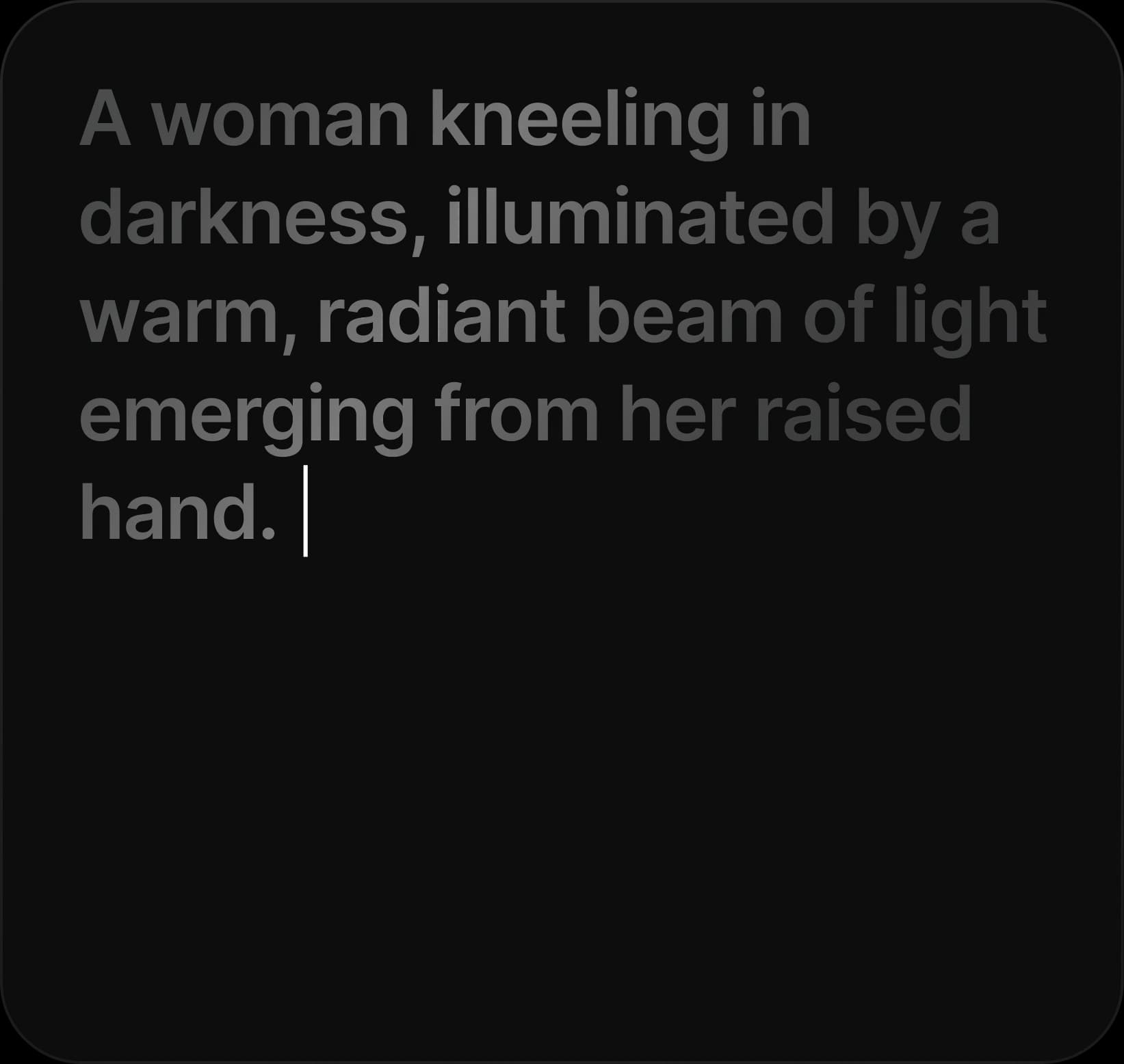
Type your prompt in plain English. If you need help, click Enhance Prompt to expand your draft into a richer, structured prompt.
Pick your resolution, choose ChatGPT Image 2 quality mode, and keep defaults when you want balanced results.
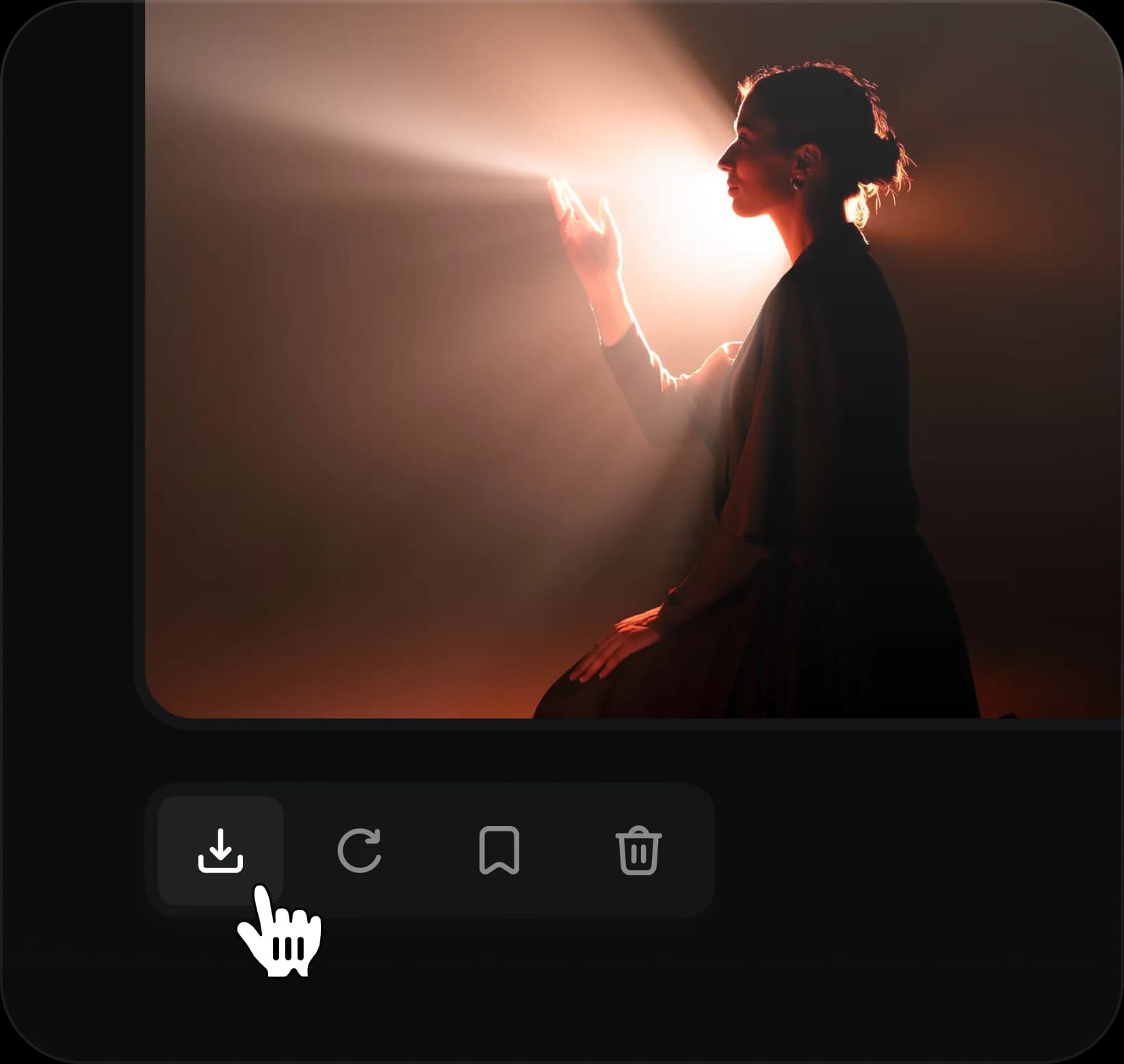
Click Generate, review the output, then download your full-resolution PNG or iterate with a refined prompt.
Yes. You can access GPT Image 2 through gptimage.tools without a ChatGPT account. Free users can test several generations before upgrading.
Most mismatches come from vague or conflicting instructions. Add clear style, lighting, and constraints. Use the 6-part prompt formula for consistency.
It can generate photorealistic fictional people from detailed descriptions. Real named people are restricted by model usage policy.
Standard outputs usually render in about 5-10 seconds. High-quality complex prompts can take up to around 30 seconds.
GPT Image 2 generates at native 2K (up to 2048x2048). Paid plans include 4K upscaling for print and large display usage.
Internal Link: ready to try it? Open the GPT Image 2 Generator.
Start with the generator, then use the prompt library for high-converting examples and faster iteration loops.